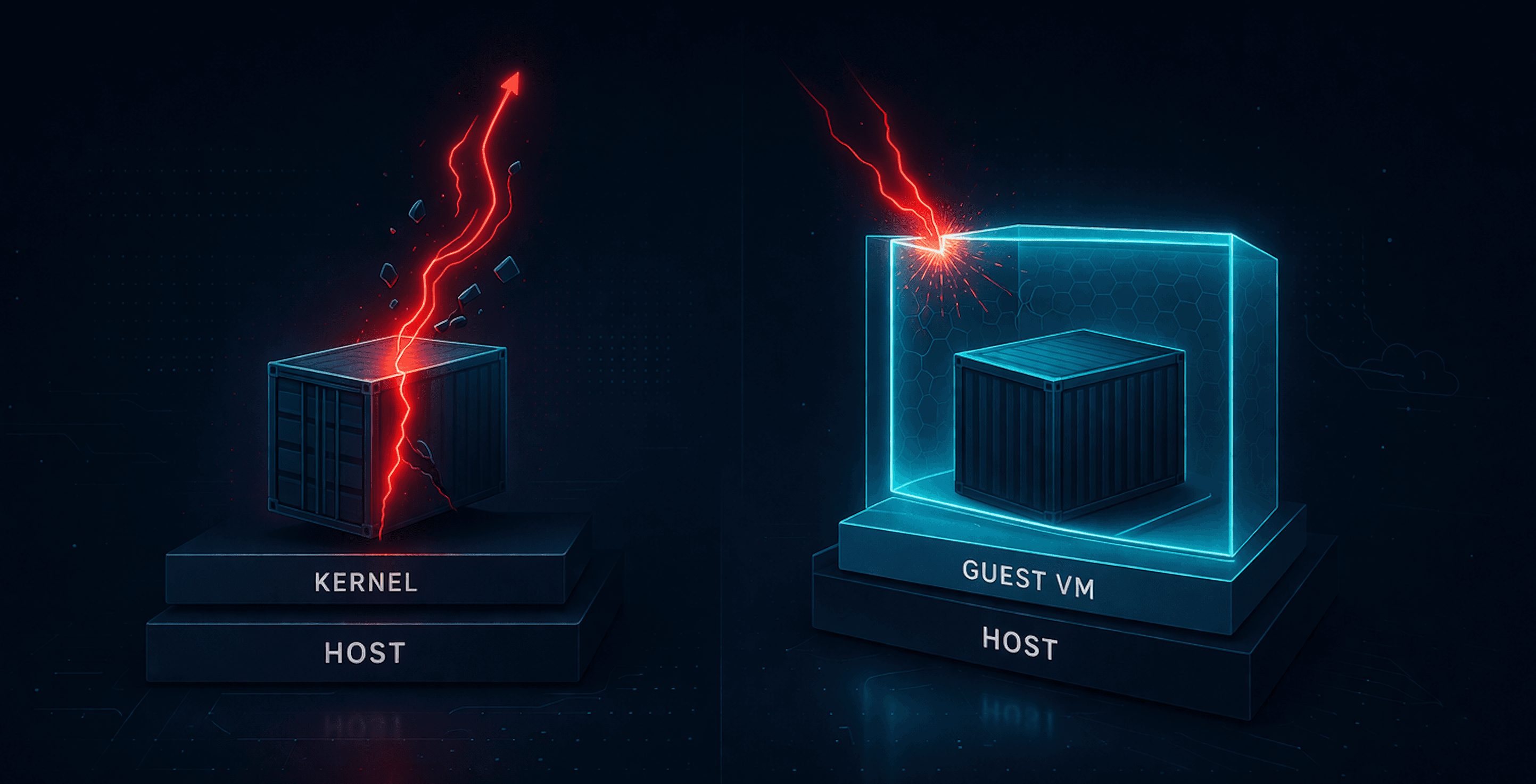

Kubernetes securityContext
Not Security. A Kernel Contract.

Working as a solutions architect while going deep on Kubernetes security — prevention-first thinking, open source tooling, and a daily rabbit hole of hands-on learning. I make the mistakes, then figure out how to fix them (eventually).
Kubernetes has a talent I don’t: making hard problems feel solved the moment you put them in YAML.
securityContext is the best example.
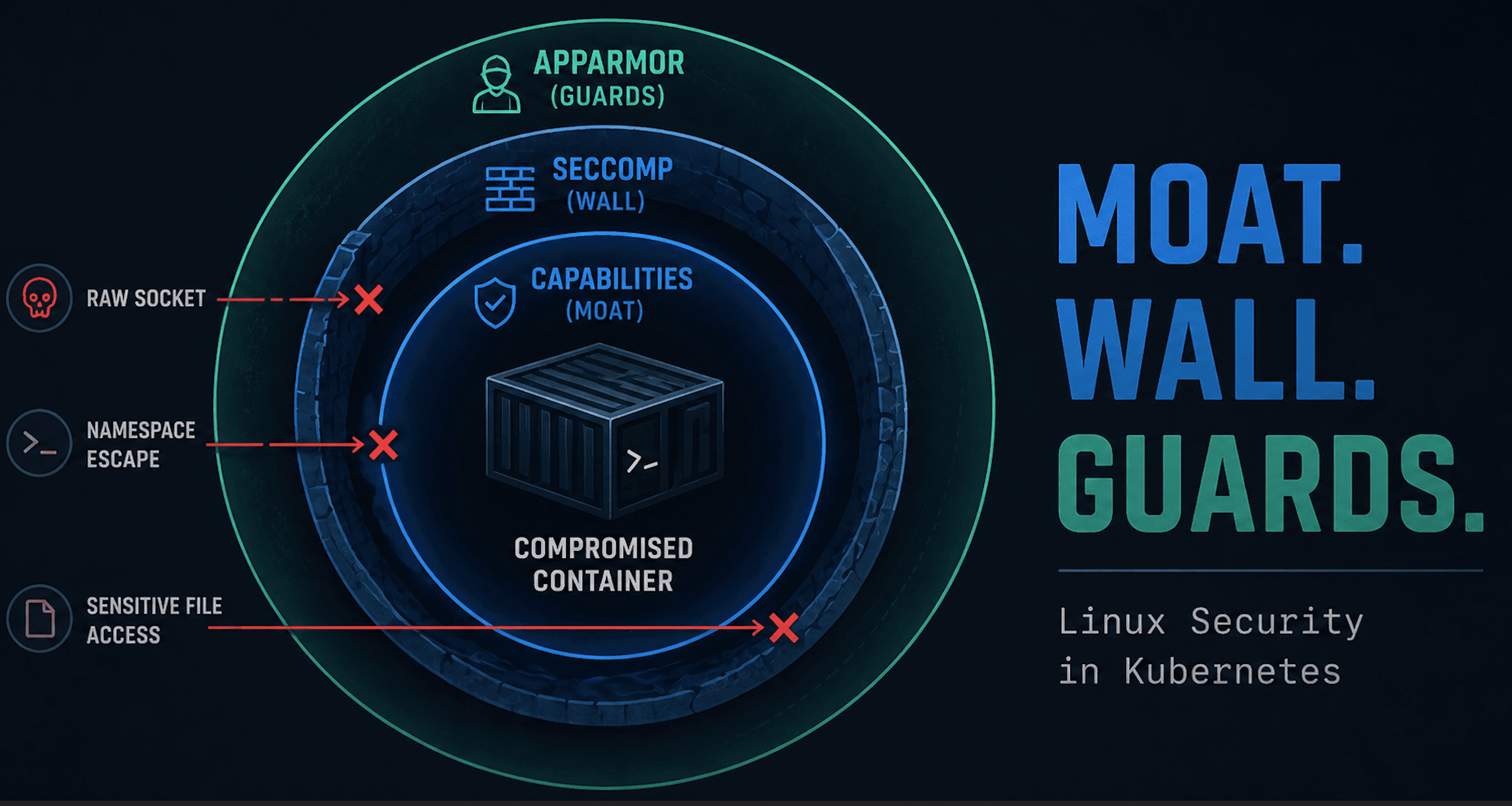
Most people talk about it like it’s a “Kubernetes security feature.” It’s not. Kubernetes doesn’t enforce the things you set here. It passes intent to the container runtime, which then asks the Linux kernel to apply controls like:
syscall filtering (seccomp)
privilege scoping (capabilities)
mandatory access rules (LSMs like AppArmor)
identity defaults (UID/GID and group settings)
That’s a contractual boundary, not a guarantee of outcome.
This post exists because we tend to do one of two things:
ignore
securityContextentirely, then act surprised when a pod behaves exactly like a podsprinkle a few fields into YAML and declare it “hardened”
We’ll walk through what securityContext actually represents, why pod-level versus container-level scope matters, and where Kubernetes stops caring. This isn’t a copy-paste guide; it’s the mental model.
Along the way, we’ll anchor the discussion to topics already covered, including our old friends like Linux capabilities. These serve as reference points rather than detours.
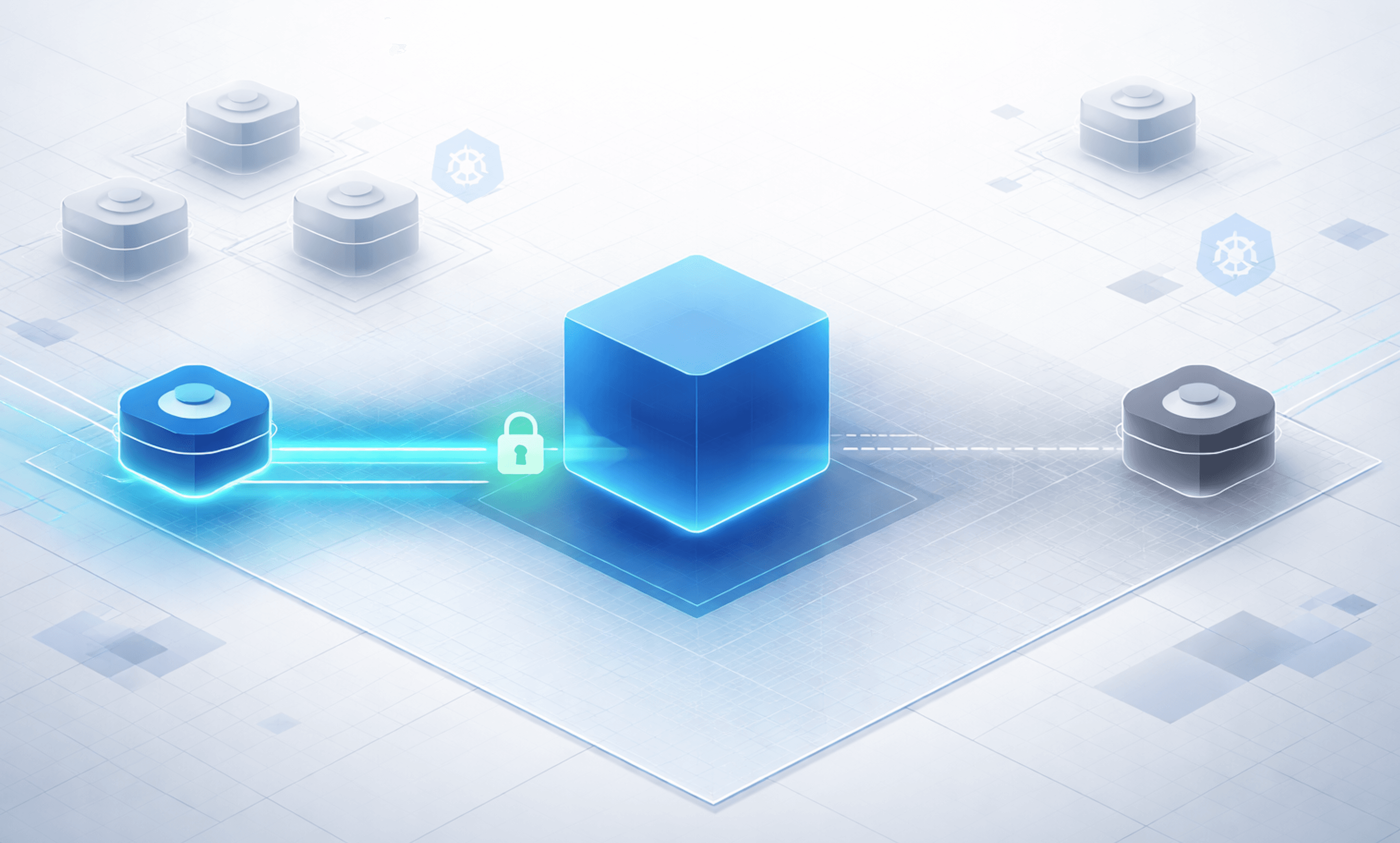
Orientation Diagram: The securityContext Contract

Keep this diagram in mind. Everything in this post maps back to where enforcement actually happens: the kernel.
What securityContext Is (and Is Not)
At its core, securityContext is an interface, not a security engine. Kubernetes does not implement seccomp. It does not enforce Linux capabilities. It does not mediate LSM decisions. What it does is collect intent from the workload spec and hand that intent to the container runtime at process start. From that point on, Kubernetes is out of the loop.
That distinction matters because it defines the limits of what Kubernetes can guarantee:
Kubernetes can validate that your YAML is well-formed
Kubernetes can ensure the runtime receives your intent
Kubernetes cannot confirm that the kernel actually enforced it
If a seccomp profile is missing, an AppArmor profile is not loaded, or a kernel feature is disabled, Kubernetes does not block the pod from starting. As far as the API server is concerned, its job is done. This is not a bug. Kubernetes is a scheduler and orchestration system. Host security enforcement happens elsewhere. securityContext is the handshake between those worlds.
Pod-Level vs Container-Level securityContext
One of the easiest ways to misunderstand securityContext is to miss where it applies. Kubernetes allows securityContext to be defined at both the pod level and the container level, and those scopes behave very differently.
Pod-Level securityContext
A pod-level securityContext defines defaults for every container in the pod.
This is where you can see:
default user and group IDs
filesystem group ownership
a default seccomp profile
These settings establish a baseline posture for the pod as a whole. If nothing else is specified, every container inherits them.
At this point you could say the pod is secure, but that assumption only holds if nothing overrides it.
Container-Level securityContext
Container-level securityContext applies to individual processes.
This is where you control:
Linux capabilities
privilege escalation behavior
privileged mode
container-specific user overrides
Container-level settings are authoritative. They can narrow the pod’s posture, but also weaken it. A pod can declare a reasonable default at the top level while a single container opts out of meaningful restrictions. Kubernetes allows this because pods are composition units, not trust boundaries.
The practical takeaway is simple:
Pod-level
securityContextexpresses intent.
Container-levelsecurityContextdetermines behavior.
Where This Becomes Relevant
This pod-versus-container split is why:
admission policies might validate both scopes
scanners flag container-level exceptions even when pod defaults look fine
runtime tools frequently surface behavior that “shouldn’t have been allowed”
Mapping securityContext to Kernel Enforcement (What Actually Happens)
Before looking at behavior and failure modes, it helps to be explicit about what knobs actually exist and where they land.
Kubernetes exposes a relatively small securityContext surface area. Each field maps to a specific kernel mechanism.
I suggest reading the API docs to supplement. Pod Security Context and Container Security Context.
securityContext Fields and Kernel Mapping
| securityContext Field | Scope | Kernel Mechanism | What the Kernel Enforces |
allowPrivilegeEscalation | Container | no_new_privs | Whether exec can gain new privileges |
appArmorProfile | Pod / Container | LSM | Resource access decisions |
capabilities.add / capabilities.drop | Container | Linux capabilities | Which privileged operations may succeed |
fsGroup | Pod | GID (filesystem) | File ownership and write permissions |
fsGroupChangePolicy | Pod | Filesystem ownership change | Controls when volume ownership and permissions are modified before mount |
privileged | Container | Multiple | Disables several isolation controls |
procMount | Container | Multiple | Disables several isolation controls |
readOnlyRootFilesystem | Container | VFS permissions | Filesystem write restrictions |
runAsGroup | Pod / Container | GID | Process primary group |
runAsNonRoot | Pod / Container | UID Check | Prevents process from running as UID 0 |
runAsUser | Pod / Container | UID | Process user identity |
seLinuxChangePolicy | Pod | SELinux labeling (filesystem) | Controls how SELinux labels are applied to pod volumes |
seLinuxOptions | Pod / Container | LSM | Resource access decisions |
seccompProfile | Pod / Container | seccomp (BPF) | Which syscalls may execute |
supplementalGroups | Pod | Groups | Additional group access |
supplementalGroupsPolicy | Pod | Group resolution (UID/GID) | Controls how supplemental groups are calculated for container processes |
sysctls | Pod | Kernel sysctl (namespaced) | Sets kernel parameters for the pod |
windowsOptions | Pod / Container | Various | Additional options via Windows SecurityContext |
What This Looks Like at Runtime
To make this concrete, consider a container with a securityContext that:
runs as a non-root user
drops most Linux capabilities
disables privilege escalation
uses the default seccomp profile
This is the kind of configuration many teams consider a reasonable baseline.
When the container starts, the runtime translates this configuration into kernel state before any application code runs.
First, the kernel assigns the process its UID, GID, and group set. At that point, the process is no longer “a container.” It is just a Linux process with an identity. If the application expected to run as root, that assumption is already broken.
Next, the kernel applies the capability set. Any operation that relies on a dropped capability fails at the kernel permission check, not in Kubernetes.
With privilege escalation disabled, the kernel also prevents the process from gaining additional privileges across exec boundaries. Even if a binary is misconfigured or marked setuid, the process cannot elevate itself later.
Then the seccomp filter is loaded. Seccomp does not wait for suspicious behavior. It defines which syscalls are allowed to execute at all. If the process attempts a disallowed syscall, the kernel intervenes immediately.
By the time the application starts executing logic, the kernel has already decided:
the process runs as a non-root user
most privileged operations will fail due to dropped capabilities
the process cannot gain additional privileges through execution
only the syscalls allowed by the default seccomp profile may execute
From Kubernetes’ point of view, the pod is simply running. From the kernel’s point of view, the rules are already fixed.
This is why securityContext matters and is so easy to misunderstand.
Proving the Contract: Let’s Actually Run This
Up to this point, we’ve talked about intent, enforcement, and kernel behavior in the abstract. Now let’s stop theorizing and actually run something. The goal here isn’t to harden a production workload or enumerate every syscall. It’s to take a simple, representative securityContext, deploy it, and then observe what the kernel enforces in practice.
Here’s the pod.
apiVersion: v1
kind: Pod
metadata:
  name: securitycontext-proof
spec:
  securityContext:
    runAsNonRoot: true
    seccompProfile:
      type: RuntimeDefault
  containers:
  - name: demo
    image: nginxinc/nginx-unprivileged
    command: ["sh", "-c", "sleep 3600"]
    securityContext:
      allowPrivilegeEscalation: false
      capabilities:
        drop:
          - ALL
This is intentionally boring.
In the sections that follow, we’ll look at what’s actually running on the node and how each part of this configuration shows up as a concrete, enforceable decision by the kernel.
What This Looks Like on a Real Node
At this point, nothing here is abstract anymore. The configuration has been applied, the process is running, and the kernel has already made its decisions. Now let’s look at what’s actually running on the node.
Resolve the Container PID on the Host
These commands bridge Kubernetes to the host kernel.
matt@cp:~/sec-context$ CID=$(kubectl get pod securitycontext-proof -o jsonpath='{.status.containerStatuses[0].containerID}' | sed 's|containerd://||')
PID=$(sudo crictl inspect $CID | jq -r .info.pid)
echo "Container PID on host: $PID"
WARN[0000] Config "/etc/crictl.yaml" does not exist, trying next: "/usr/bin/crictl.yaml"
WARN[0000] runtime connect using default endpoints: [unix:///run/containerd/containerd.sock unix:///run/crio/crio.sock unix:///var/run/cri-dockerd.sock]. As the default settings are now deprecated, you should set the endpoint instead.
WARN[0000] Image connect using default endpoints: [unix:///run/containerd/containerd.sock unix:///run/crio/crio.sock unix:///var/run/cri-dockerd.sock]. As the default settings are now deprecated, you should set the endpoint instead.
Container PID on host: 77587
Process Identity
Validate that the process is running as a non-root user.
matt@cp:~/sec-context$ ps -o pid,uid,gid,cmd -p "$PID"
    PID   UID   GID CMD
  77587   101   101 sh -c sleep 3600
Expected:
UID != 0
GID != 0
Command matches the container entrypoint
Capabilities
Inspect the effective capability set applied by the kernel.
matt@cp:~/sec-context$ sudo grep Cap /proc/$PID/status
CapInh:    0000000000000000
CapPrm:    0000000000000000
CapEff:    0000000000000000
CapBnd:    0000000000000000
CapAmb:    0000000000000000
Key field:
CapEffshould be all zeros, indicating no effective capabilities.
Optional decode for readability:
matt@cp:~/sec-context$ sudo capsh --decode=$(awk '/CapEff/ {print $2}' /proc/$PID/status)
0x0000000000000000=
Privilege Escalation (no_new_privs)
Confirm that privilege escalation is disabled at the kernel level.
matt@cp:~/sec-context$ grep NoNewPrivs /proc/$PID/status
NoNewPrivs:    1
Seccomp
Check that a seccomp filter is active.
matt@cp:~/sec-context$ grep Seccomp /proc/$PID/status
Seccomp:    2
Seccomp_filters:    1
Putting it Together
Taken together, these checks show that the running process:
has a non-root UID and GID
has no effective Linux capabilities
cannot gain privileges after startup
is constrained by a seccomp syscall filter
At this point, the workload is no longer "a pod with a securityContext." It is a Linux process with a fixed identity, privilege set, and syscall surface.
Kubernetes expressed intent earlier. The kernel is now enforcing the contract.
Wrap Up
securityContext does not secure a workload by itself. It defines the contract that the kernel will enforce. When that contract aligns with how an application actually behaves, it removes entire classes of risk.
When it doesn’t, the result is often surprising behavior, failed startups, or outright crashes. Those crashes are not Kubernetes being fragile. They are the kernel enforcing constraints that were previously absent or misaligned. Understanding why that happens is a topic worth its own deep dive.
For now, the key takeaway is simple:
Kubernetes expresses intent
the runtime translates it
the kernel enforces it
Everything else exists to make sure that contract is intentional, consistent, and observable.